Scanning Unicode Characters
Use the scanning feature to identify characters “out in the wild” or if you are not sure what script you are dealing with.
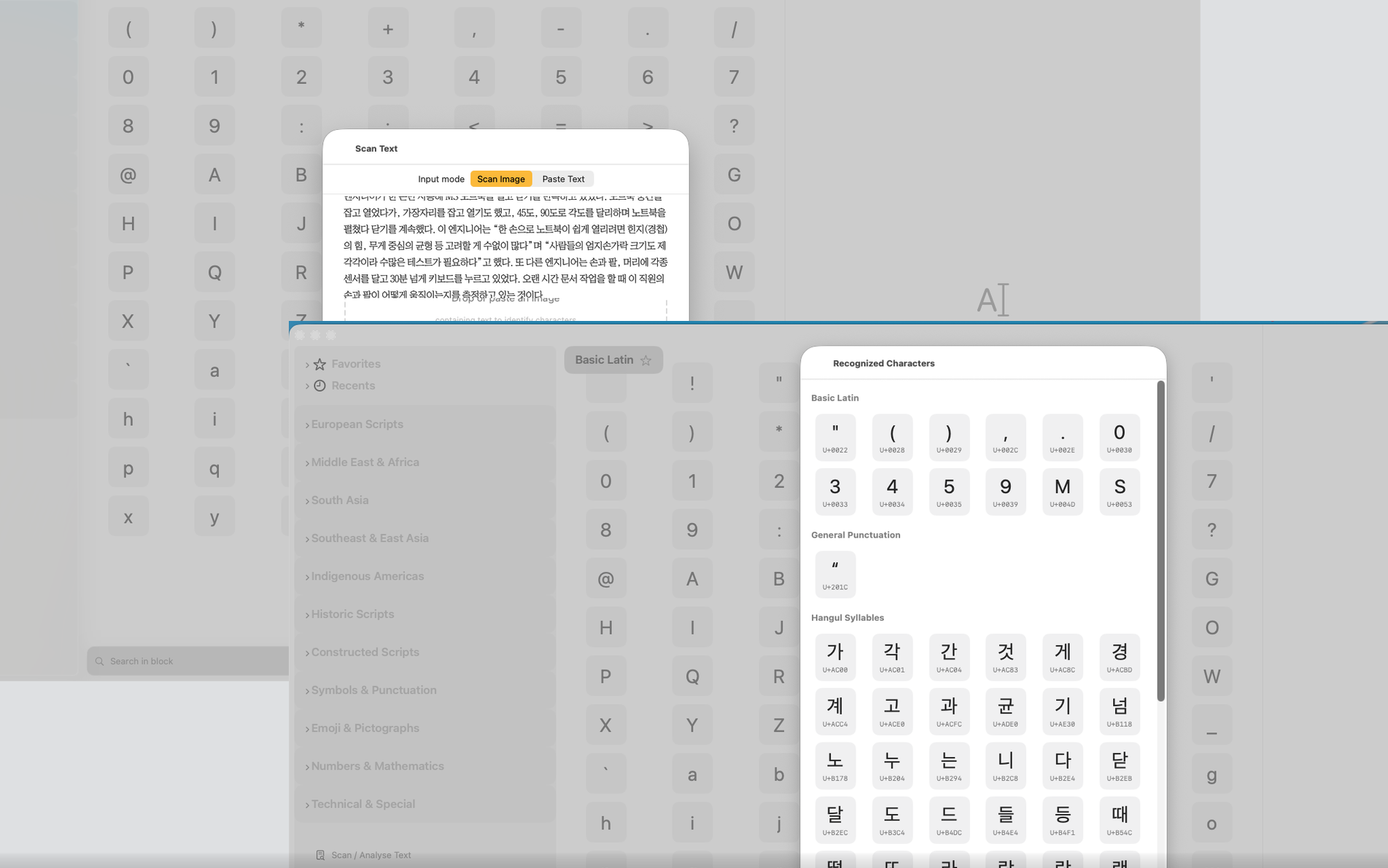
Scanning Text with the Camera
Select Scan / Analyse Text (left iPad column / in the menu on the iPhone) to use the iPhone’s or iPad’s camera to scan text and have the Unicode Companion analyse and identify the characters of that text. The recognised characters are then presented in a window, organised in groups (e.g. Latin, Punctuation, Hangul) and in the form of a grid that has all the functionality of the app’s main grid (e.g. copy character, display details, etc.).
Pasting Text for Analysis
On all three platforms (Mac, iPhone and iPad) you can paste a text for analysis and you get results in the same format.