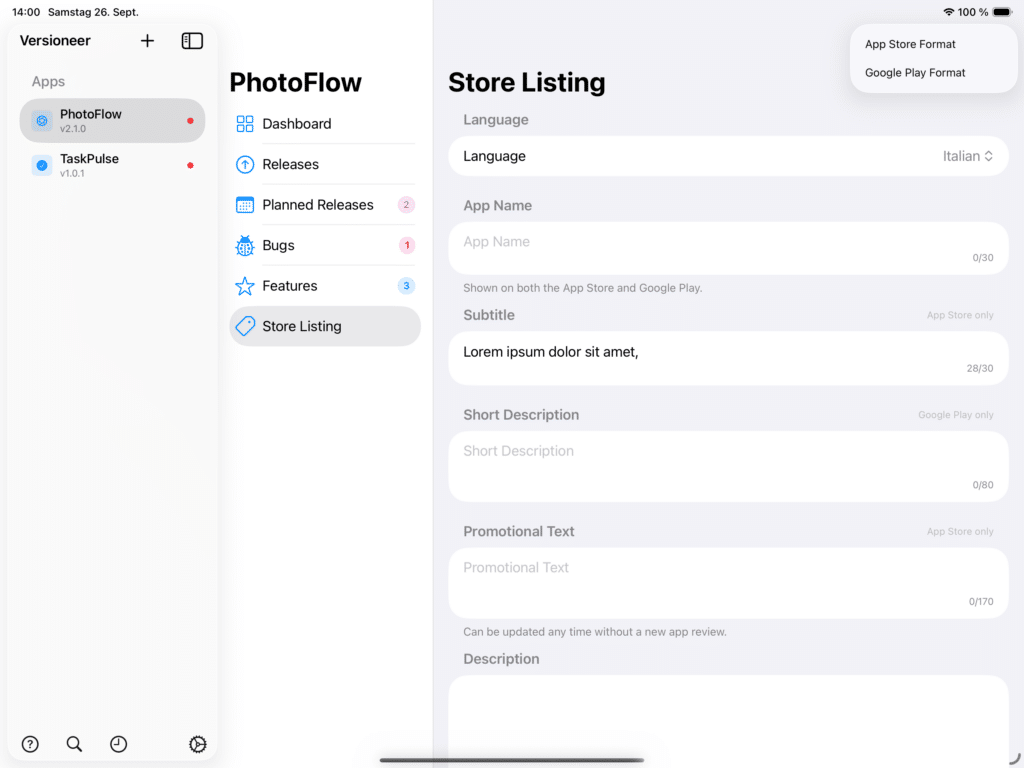
All your store copy in one place. Select an app, then choose Store Listing to keep its App Store and Google Play text together: name, subtitle, description, keywords, promotional text, and your support, marketing, and privacy URLs.
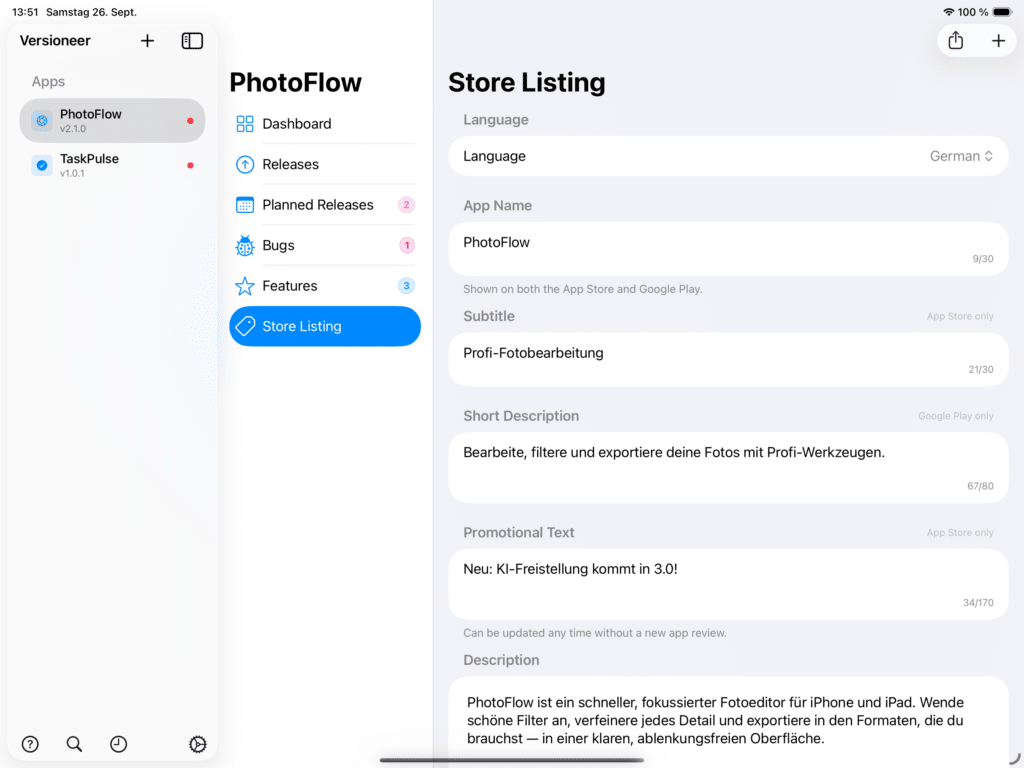
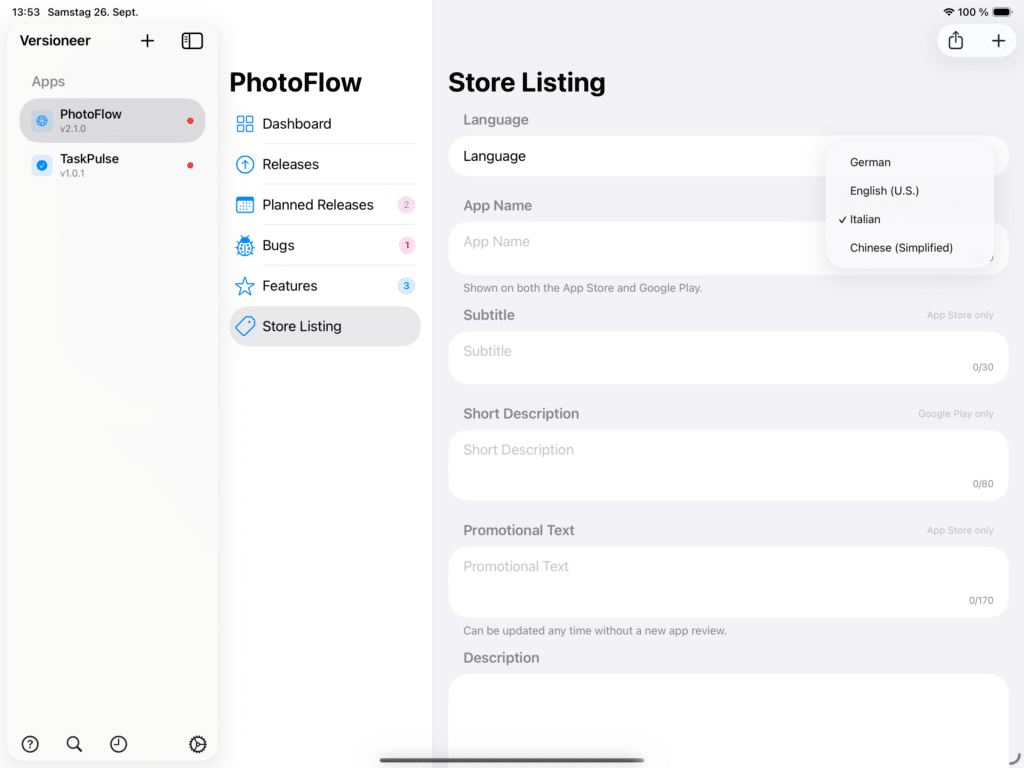
Multiple languages. Tap Add Language to add a locale from the curated store list. Each language keeps its own set of fields, and you switch between them at the top of the view, only the URLs are shared across every language, since those don’t change per locale.
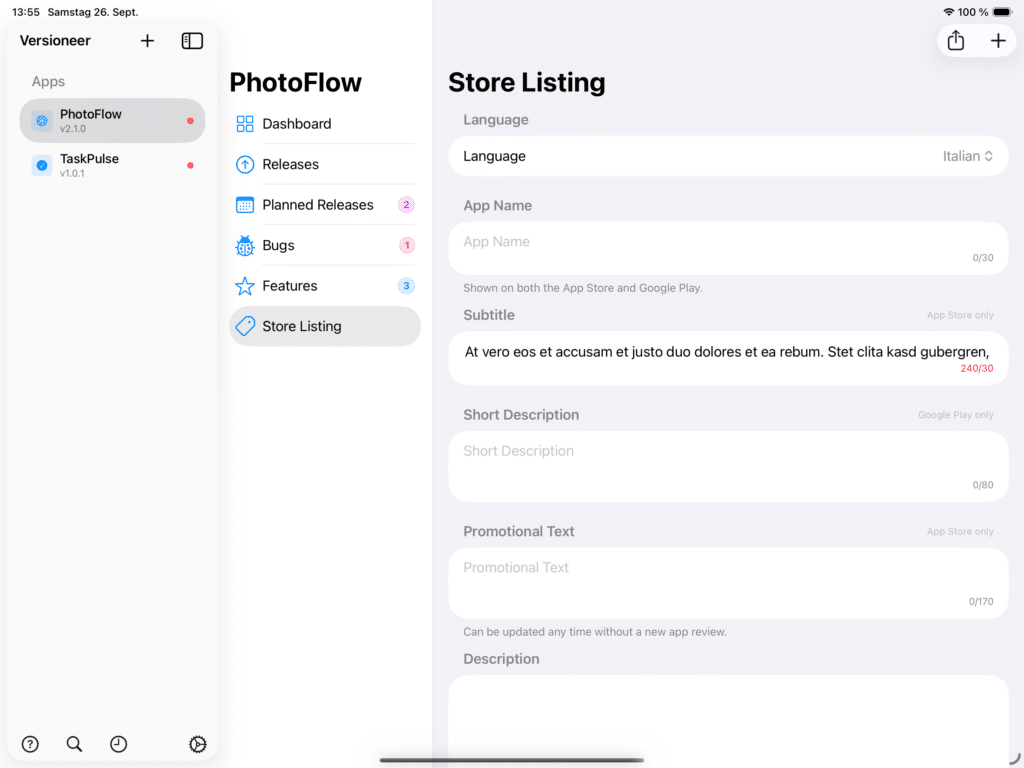
Live character counts. Every field shows a live count against that store’s limit, and turns red the moment you go over, so you find out before you paste your copy into App Store Connect or Google Play, not after it’s rejected.
Store-specific fields. Some fields only exist on one store: Subtitle, Promotional Text, and Keywords are App Store only; Short Description is Google Play only. Leave whichever ones don’t apply to you empty.
Exporting for a store. Use the Export menu to generate a ready-to-paste text block for either store, in the language you currently have selected, then copy or share it.