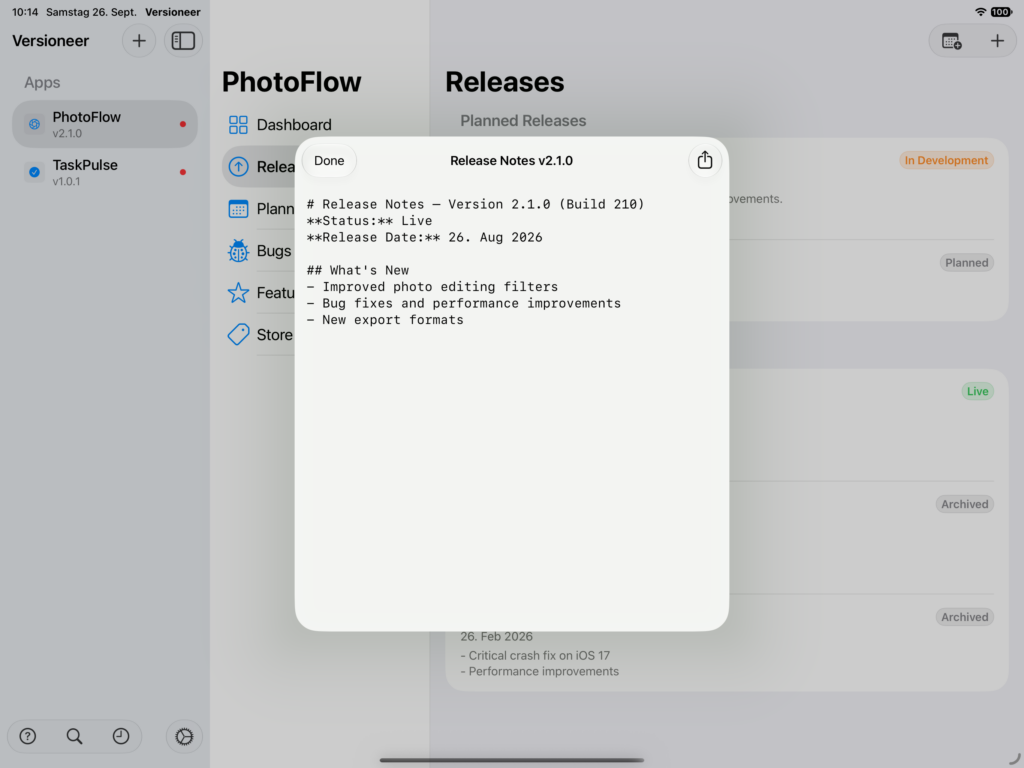
Releases are the backbone of Versioneer: everything else, bugs and features, ultimately connects to one.
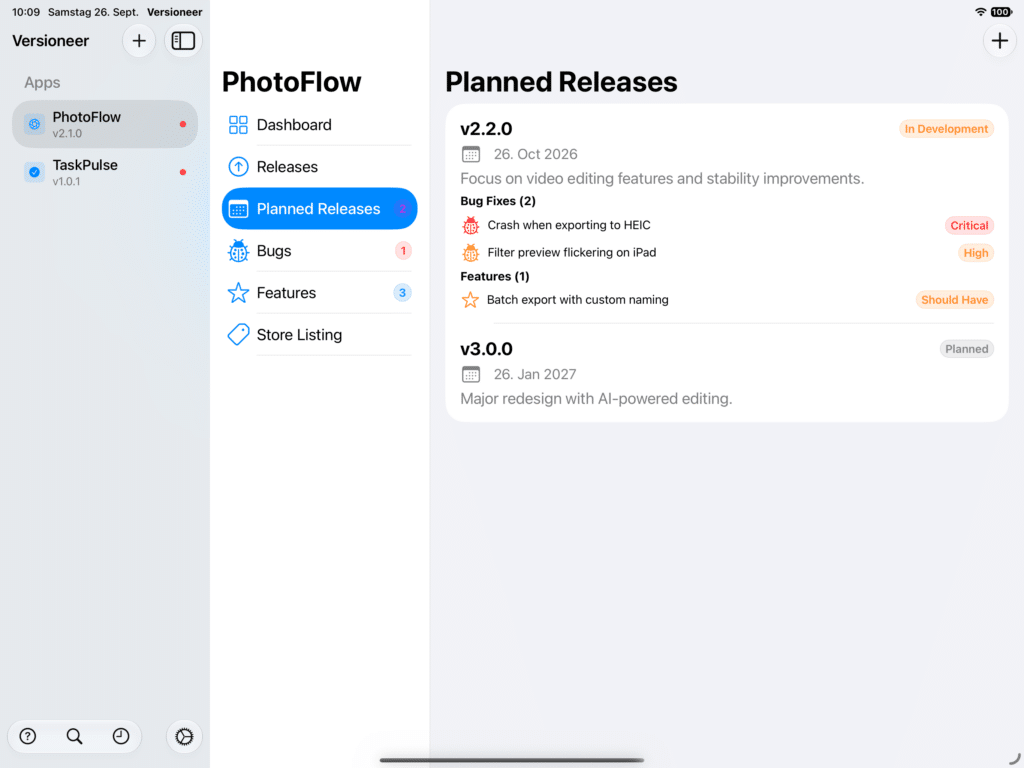
Planned releases. Create a planned release to track an upcoming version before it ships. Assign bugs and features to it as you decide what’s going into it, so the planned release always reflects the current scope.
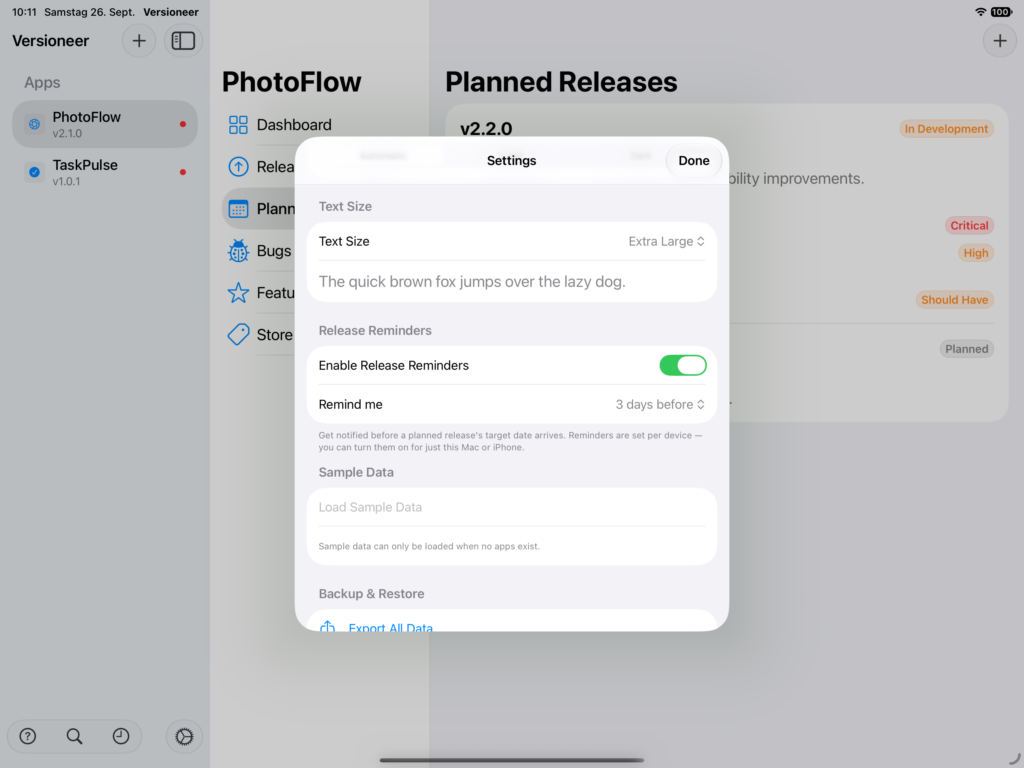
Release reminders. Turn on Release Reminders in Settings to get a notification before a planned release’s target date arrives, on the day, or 1 day, 3 days, or a week before, your choice. Reminders are per device, so you could enable them only on your Mac, or only your iPhone.
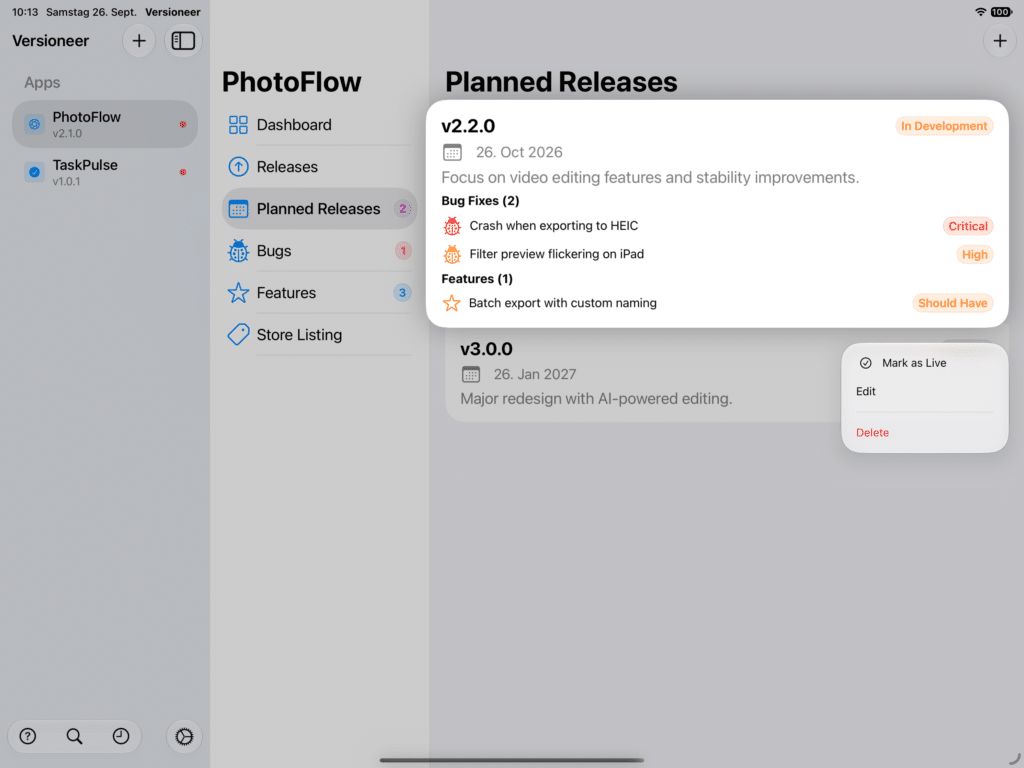
Marking a release live. When you actually ship a version, right-click the planned release and choose Mark as Live. Versioneer creates the published release, archives whatever was live before, and, if you want, marks the linked bugs as Fixed and features as Done automatically.
Published releases. Tap any published release to see its details, the bugs it fixed and the features it shipped, all in one place. This is handy months later when you need to remember what changed in, say, version 1.4.
Release status. Live marks your current App Store release. Whatever was live before is automatically set to Archived the moment you publish a new one, you don’t need to manage that by hand.
Markdown in your notes. Release notes support markdown: **bold**, *italic*, `code`, [links](url), bullet lists (- item), and headers (# H1, ## H2, ### H3). Note that the edit view stays plain text as you type, the formatting only renders once you view the release on the Dashboard or in its details.