Exporting your data. From Settings, export everything as a single JSON backup. You can also export just one app, or just a release’s notes, if that’s all you need.
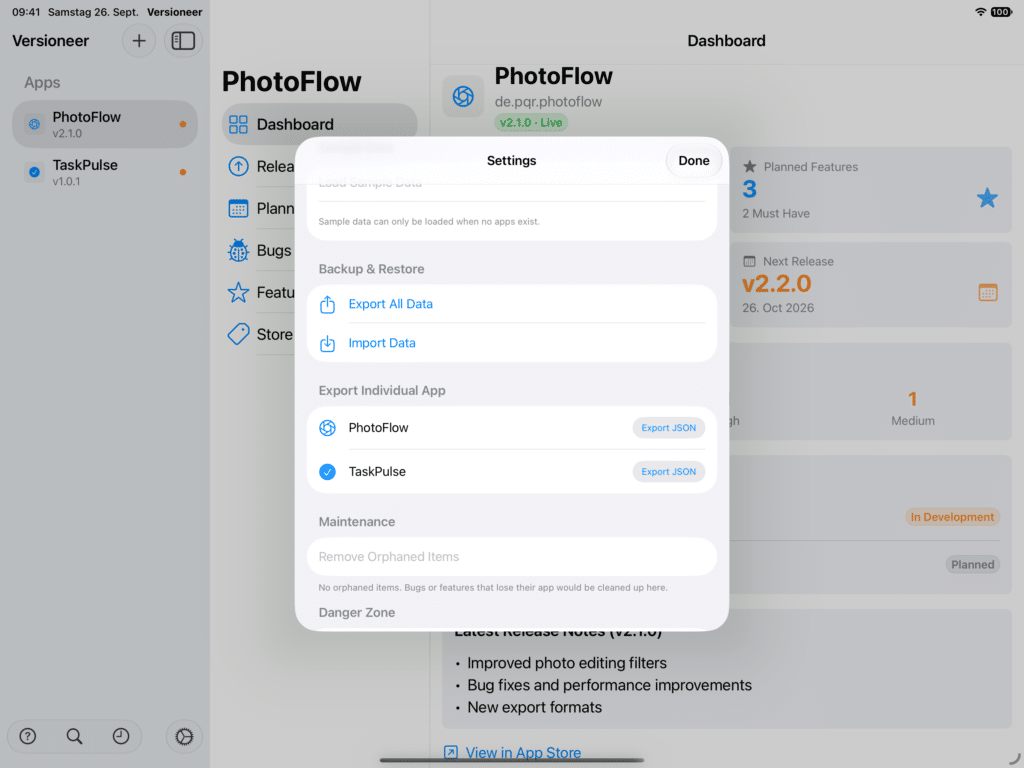
Importing data. Import a JSON backup to restore your data, useful when moving to a new device outside of iCloud sync, or recovering from a mistake. You choose whether the import replaces your existing data or merges with it.
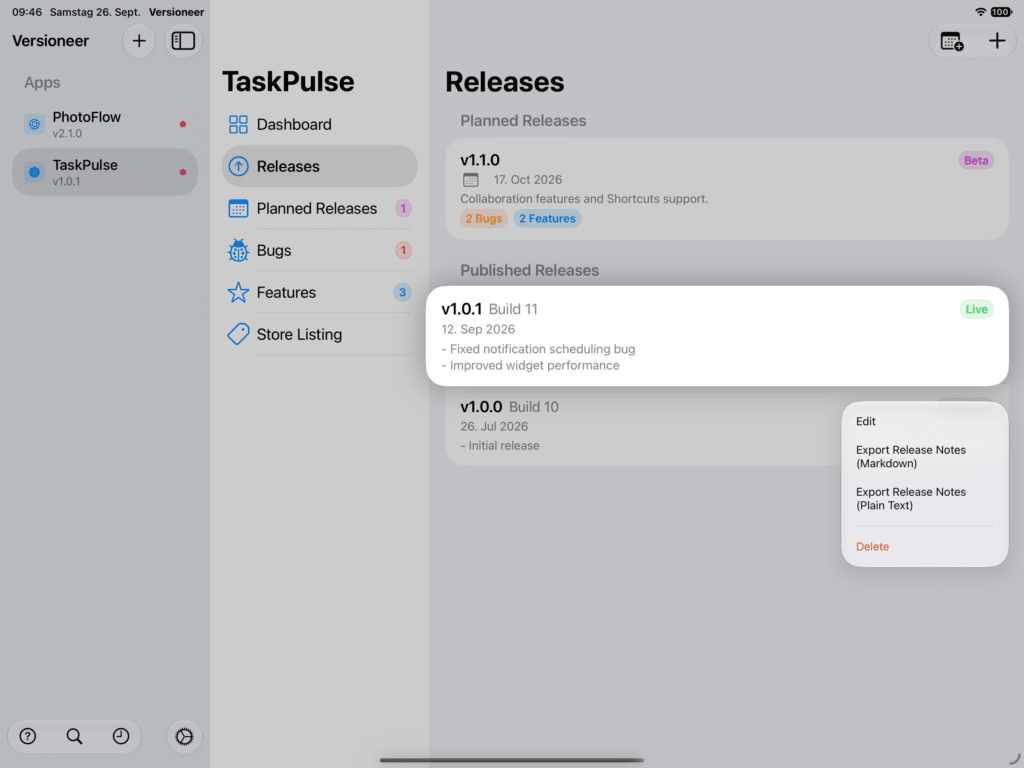
Exporting release notes. Right-click a published release to export its notes in Markdown or plain text, handy for pasting straight into an App Store update, a blog post, or an email to your team.