Babel Reader: Catching Up on Versions 1.4 to 1.7
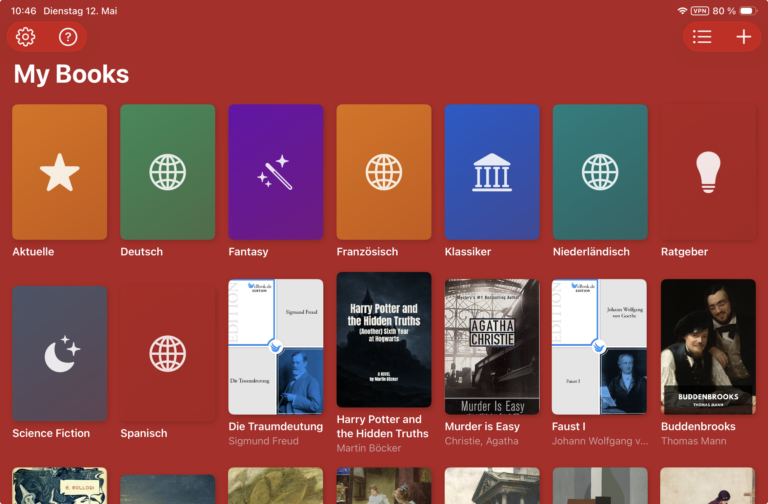
It’s been a while since our last update post, and the Babel Reader has come a long way in the meantime. Here’s everything that shipped between version 1.4 and the current version 1.7 — just head to “Updates” in the iPhone’s or iPad’s App Store app to get the latest release.
Version 1.7
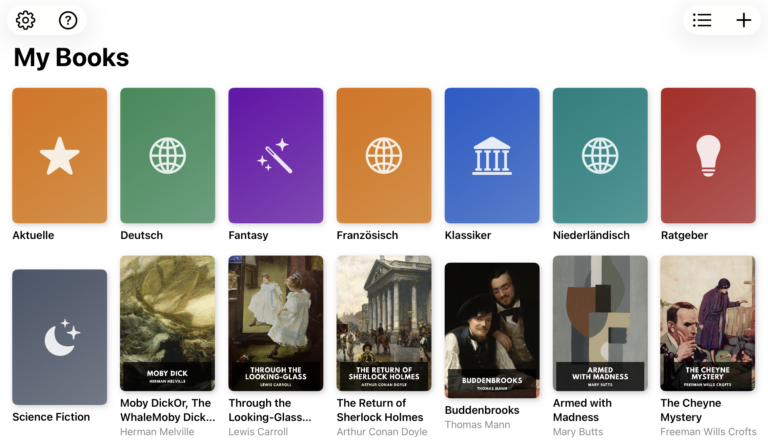
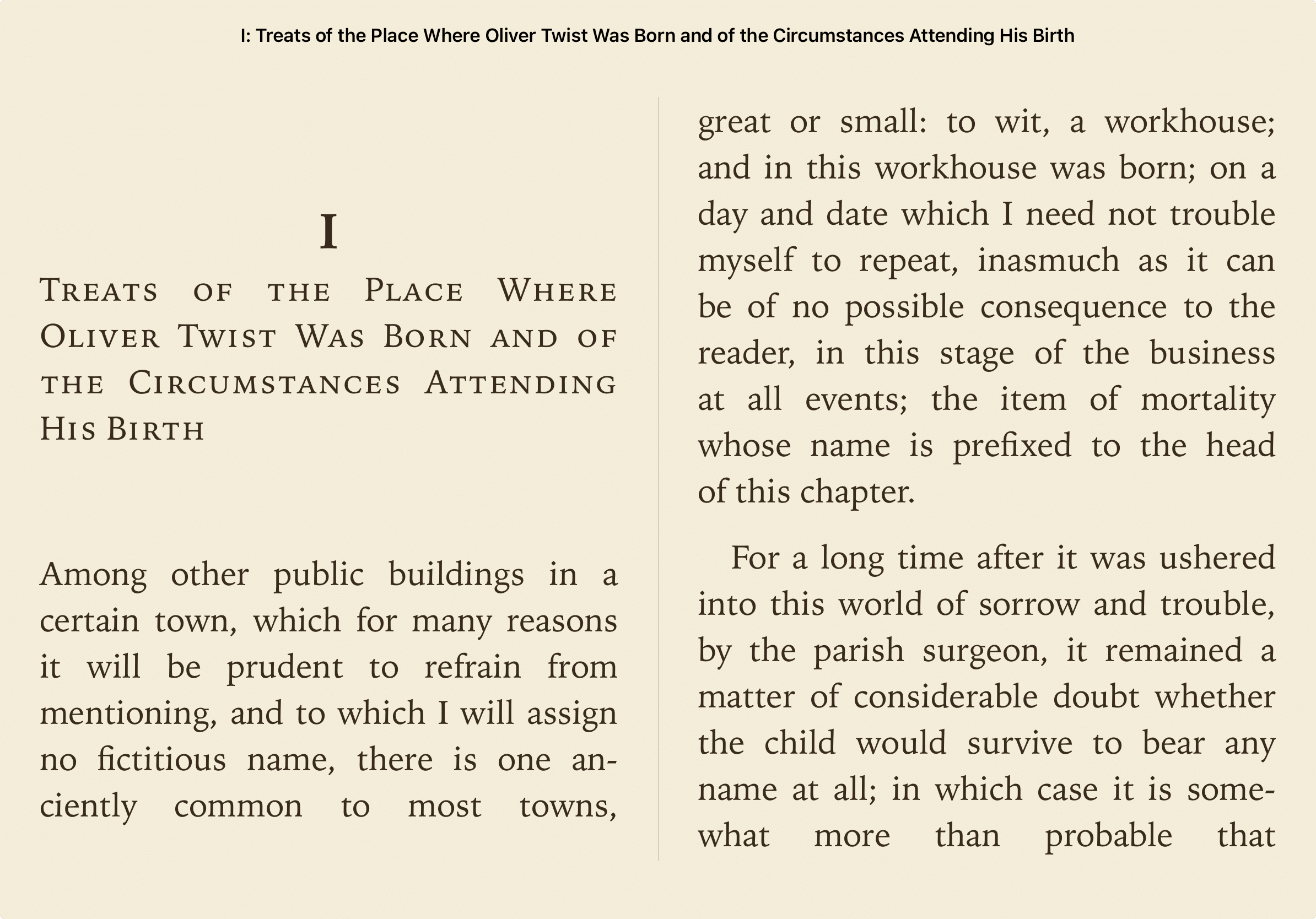
You can now open any image in a book full-screen with a tap, and pinch to zoom into maps, illustrations, and photos. You can also swipe left or right to move from one book collection to the next. On top of that, this release improves hyphenation for books without a specified language, corrects the display of superscript characters (such as 10¹⁰), fixes spacing issues after periods in certain books, makes translation more reliable in justified text, and makes the chapter list more responsive.
Version 1.6
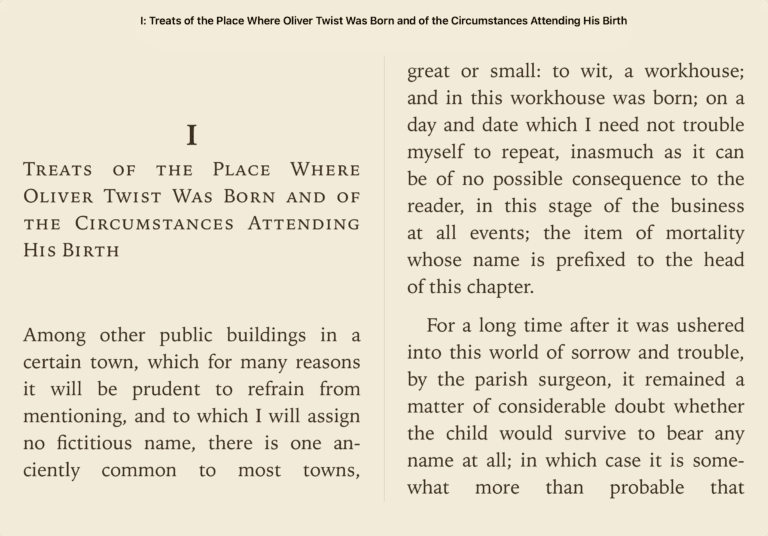
This release brings a new scroll reading mode for continuous chapter viewing, plus long-press actions to read a translated paragraph aloud or share it, each using the appropriate voice for its language.
Version 1.5
You can now search inside a book — just tap the magnifying glass to search across all chapters at once, with navigation arrows to jump between matches. This version also fixes quotation mark encoding and translation label localization.
Version 1.4
This release adds a distraction-free reading mode with hidden toolbars, plus the ability to export your library to a folder and import it again later, with duplicate detection.
Let us know which features you are missing in the Babel Reader.