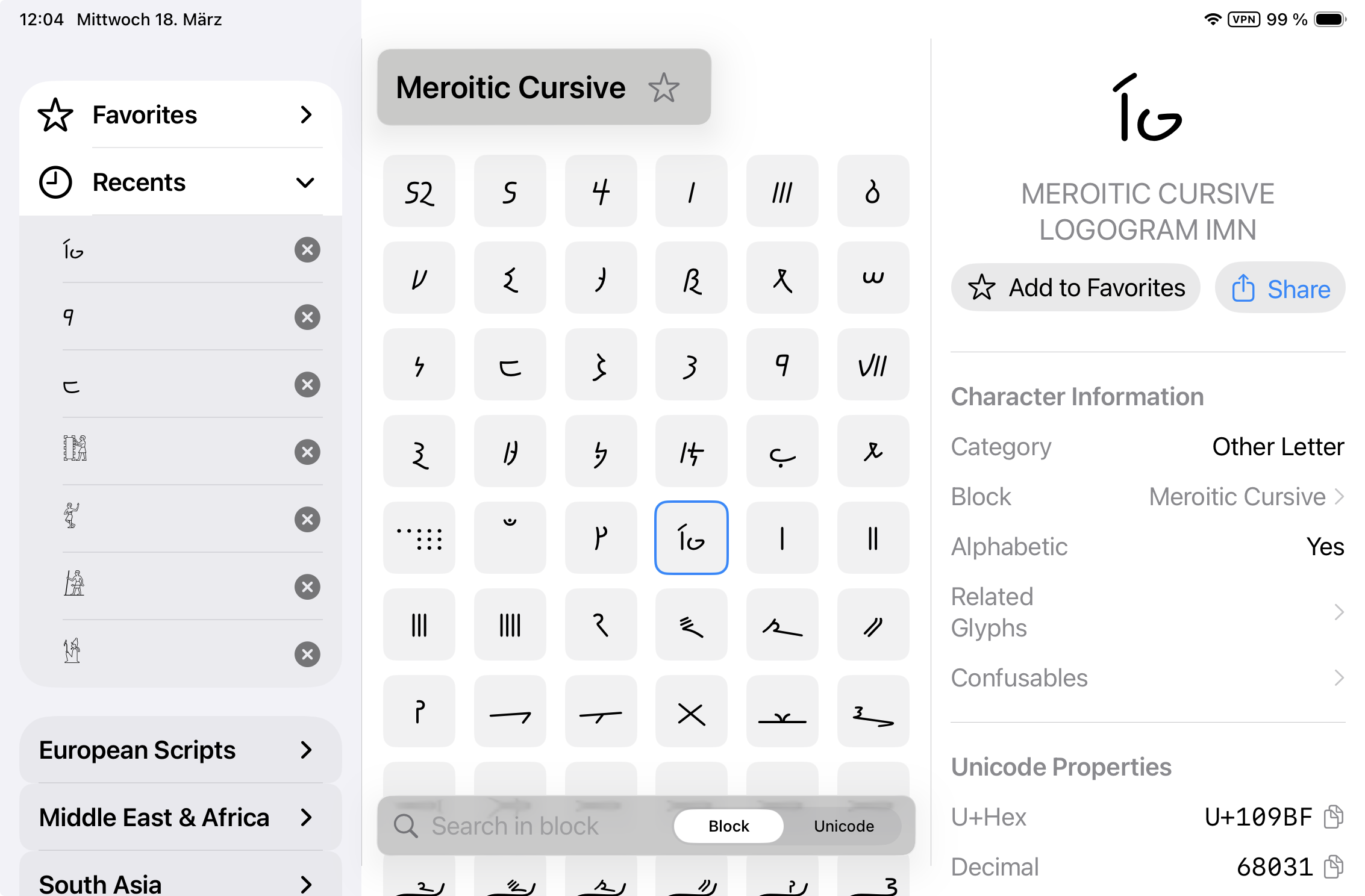
Unicode Companion: Catching Up on Versions 1.2 to 1.5
The Unicode Companion has picked up some powerful new ways to find characters since our last post. Here’s what’s new since version 1.1 — update via “Updates” in the App Store app.
Version 1.5
You can now find characters right from Spotlight, the Shortcuts app, or Siri — just search by name (like “degree sign”), by code point (like U+2764), or by the character itself, then copy it instantly or jump straight to it in the app. It’s great for the Action button and your own shortcuts and automations. (Voice queries via Siri require English language settings.)
Version 1.4
This update brings the app to Unicode 17.0, adding 43 new character blocks — from long-missing classics like Enclosed Alphanumerics to the newest scripts.
Version 1.3
This release adds iCloud synchronization for your favorites and recently used characters across all your devices, plus interface refinements for iPhone, iPad, and Mac.
Version 1.2
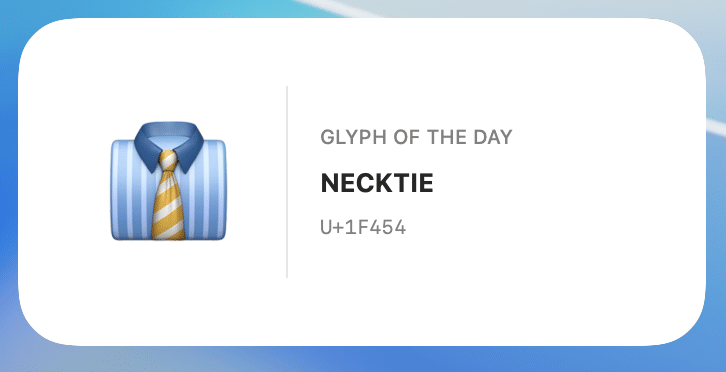
This version introduces the “Glyph of the Day” widget for iPhone, iPad, and Mac — a new way to discover a different Unicode character every day.
Let us know which characters — or features — you’d like to see next.